 Best

Voice Control Curtains
Voice control turns curtains into a spoken command, but the setup path matters more than the assistant. This guide sorts the three connection paths, naming, routines, and what happens when the Wi-Fi drops.
Voice control curtains are motorized curtains you open and close by speaking, and the part that decides whether they work well is not the assistant you pick but the path between the motor and the assistant. A motorized curtain track or a retrofit motor moves the fabric, the motor talks to your home over Wi-Fi, a hub, or Bluetooth, and the assistant passes your spoken command along that path. Get the path right and a simple sentence opens the room in the morning; get it wrong and the curtains answer slowly, partly, or not at all.
This guide sorts the connection path, the assistant, and the routines.
How voice control curtains work: three ways in
Voice control curtains work because a motor moves the fabric and a voice assistant tells the motor what to do. The command travels from your mouth to a speaker, from the speaker to the motor's app or cloud account, and from there to the motor on the track. The motor itself is the same kind used in any motorized curtain track: it pulls the carriers along the rail, it knows where open and closed are from its travel limits, and it can be driven by a remote, an app, a wall switch, or a voice command, all pointing at the same motor. Voice is only the newest way to reach it, not a different kind of curtain.

The chain has four links, and a failure in any one looks like a voice problem. The speaker must hear you and understand the words, the assistant must know which device the name refers to, the motor's cloud account or hub must be reachable, and the motor must have power and a clear track. When a command fails, check the links in that order: speak clearly and check the speaker heard the right device name, check the device is still listed in the assistant app, check the motor's own app can still reach it, and check the track is clear and the motor has power.
Voice control also helps where movement is hard. Elderly users and people with limited mobility can control lights, locks, and curtains without getting up, which gives independence at home, and a spoken command opens a heavy curtain that would be a struggle by hand. Check the motor's strength against the job too: the motor torque rating must suit the fabric weight and the window size, because heavier fabrics or larger windows need stronger motors or the motor stalls.
Direct Wi-Fi, hub, and Bluetooth paths compared
The direct Wi-Fi path connects the motor straight to your home Wi-Fi, so the motor talks to its maker's cloud account and the assistant reaches it through that account, with no extra box in the house. Setup is simple: the motor joins Wi-Fi in its own app, you link the maker's account in the Alexa or Google Home app, and the curtains appear as a device. Its weakness is that it depends on the cloud at every step, so a weak Wi-Fi signal at the window, a router that only offers a 5 GHz network where the motor needs 2.4 GHz, or an internet outage can all break voice control even while the motor itself is fine.
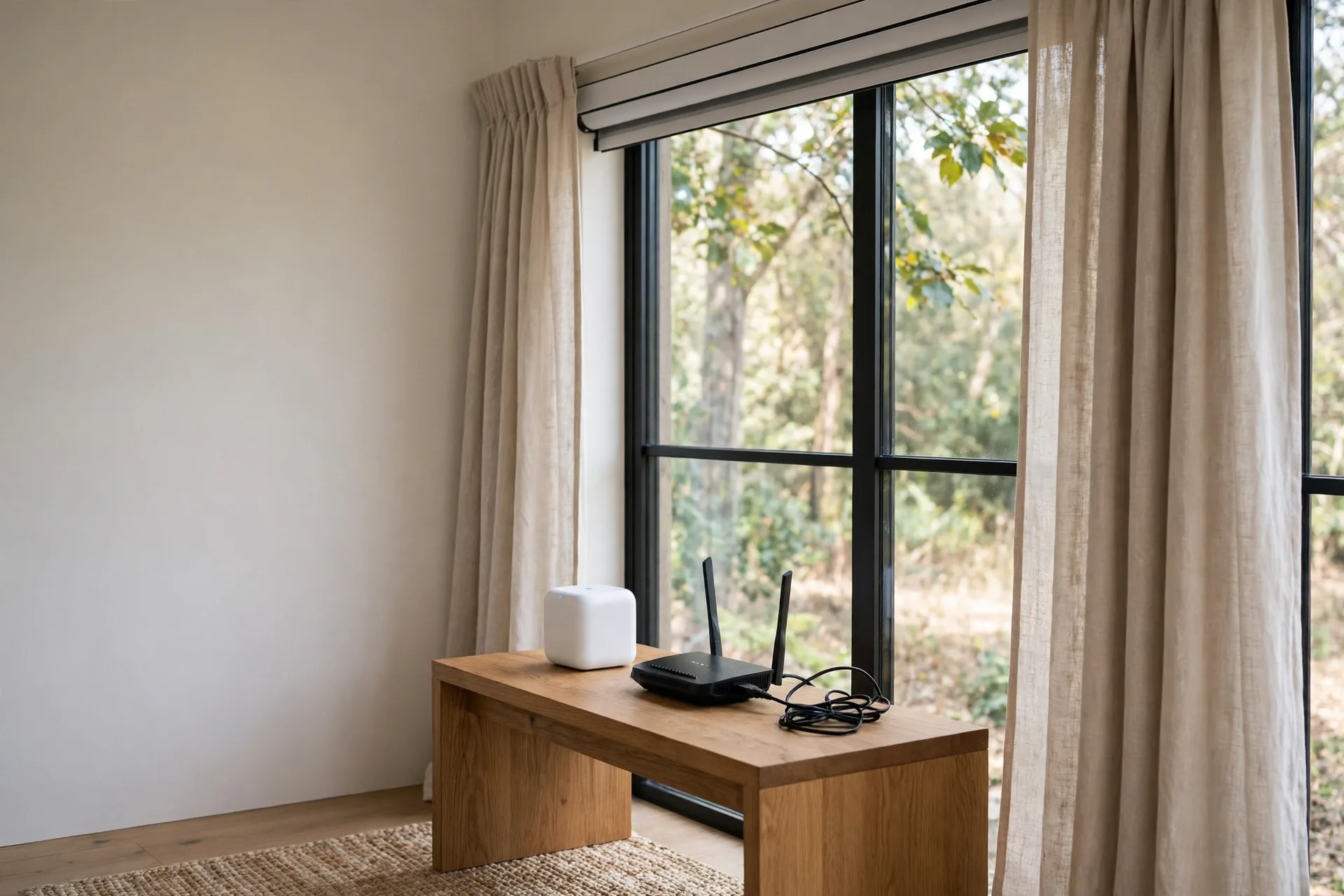
Check the motor's Wi-Fi band before you order, and check the signal strength at the window, because a motor at the far end of the house on a weak signal is the most common cause of slow or missed commands.
The hub path puts a small hub between the motor and the network, and the motor talks to the hub over Zigbee, Z-Wave, or Bluetooth while the hub talks to the assistant. Motors that use Zigbee or Z-Wave need a hub, and so do Bluetooth motors that you want to control from away from home or by voice, because Bluetooth alone only reaches as far as your phone. The hub costs more and adds one more box, but the motor's radio link is short and steady, so commands are often faster, and some hub setups keep working locally when the internet drops.
The Bluetooth path connects the motor straight to your phone over Bluetooth, with no Wi-Fi and no hub, and it is the path most retrofit clip-on motors use out of the box. It works well for one window and one phone in the same room, and it is the cheapest way to try motorized curtains, but it cannot do voice control on its own: a voice speaker has no Bluetooth link to the motor, so the motor needs its maker's hub added before Alexa, Google, or Siri can reach it.
The right path follows the house you have: strong Wi-Fi at the window and no hub points to direct Wi-Fi; a house already running Zigbee or Z-Wave points to a hub motor on the same protocol; a single window to try cheaply points to a Bluetooth retrofit motor with its hub added later. Keep the path the same within one room, because two different paths there means two different failure modes to remember.
A clip-on retrofit motor fits the fitting it is made for: rod versions fit rods, and rail versions fit U or I rails, but measure the rail dimensions first, because the fit is exact. It supports grommet, ring-top, back-tab, and tab-top headings, while rod-pocket curtains are not supported, and a two-panel pair needs two units, which is what a starter pack holds. Voice control rides on the Wi-Fi and app infrastructure, not as a separate system: the assistant sends commands through the motor's app connection, so on a Wi-Fi motor, app control comes with voice control. For a wide window, two drivers can sit on one window and be grouped so each side opens at the same time.
Choosing your voice assistant: Alexa, Google, and Siri
Alexa suits voice control curtains best where the widest choice of motors matters, because more curtain motors ship with an Alexa skill than with any other assistant, and the Alexa app makes it easy to group curtains with lights and plugs into routines. Setup runs through the Alexa app: enable the maker's skill, sign in, say "Alexa, discover devices," and the curtains appear ready to name and place in a room.
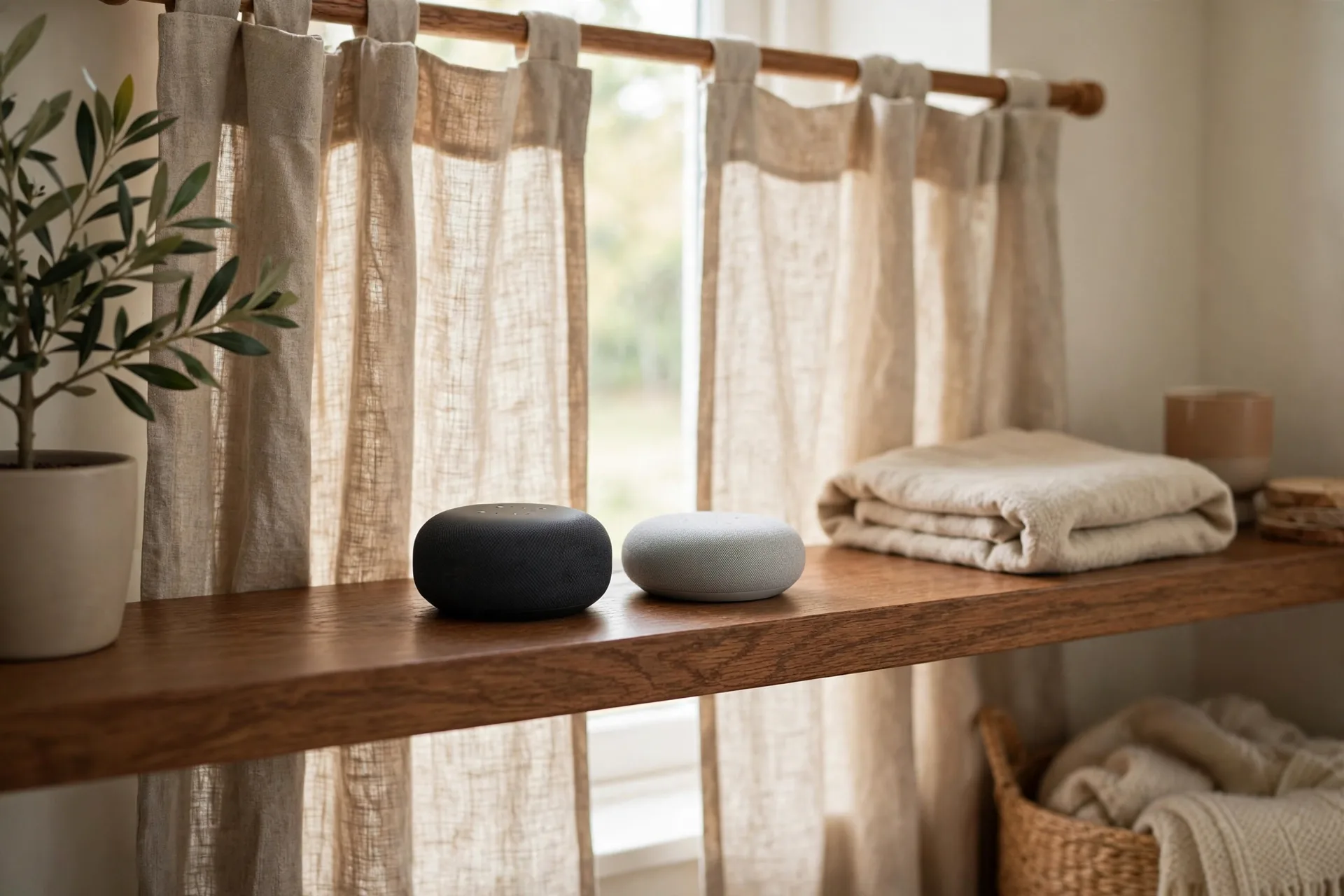
Google Home suits voice control curtains best in a house already built around Android phones and Google speakers, because its setup is the same shape, link the maker's account under Works with Google, assign the curtains to a room, and speak. Google's natural language handling is strong, so it copes well with varied phrasing such as "open the bedroom curtains halfway," and its routines tie curtains to sunrise and sunset times cleanly.
Siri suits voice control curtains best in a house already built around Apple devices, because HomeKit control runs through the Apple Home app, and Siri's privacy handling keeps more of the command handling on Apple devices. Setup runs through the Home app: add the accessory, scan the HomeKit setup code, assign it to a room, and name it. If Siri is your assistant, confirm HomeKit certification on the exact motor, not just a mention of Siri in the listing, because a motor that only offers Siri Shortcuts is not the same as a HomeKit motor.
The three assistants compare like this:
| Assistant | Compatibility | Routine flexibility | Setup |
|---|---|---|---|
| Alexa | Most motors ship with an Alexa skill | Groups curtains with lights and plugs in routines | Enable the maker's skill in the Alexa app |
| Google Assistant | Built around Android phones and Google speakers | Ties curtains to sunrise and sunset times | Link the maker's account under Works with Google |
| Siri | Built around Apple devices, with HomeKit control | Routines run through the Apple Home app | Add the accessory in the Home app and scan the HomeKit code |
Commands follow the same shape in each: "Alexa, discover devices" finds new curtains, "Hey Google, close all curtains" closes the house, "Hey Siri, open the kitchen curtain" opens one window, and "Hey Siri, open the living room curtains" opens the living room curtains. Third-party services go beyond the three assistants: IFTTT and SmartThings are supported by several motors, so a curtain can join a wider smart home routine.
Naming curtains and grouping them by room
Naming curtains well is the single highest-value step in voice control, because the assistant matches your words to a device name and a room, and a vague name fails more often than a weak signal. Give each window a name that says the room and the window in plain words, such as "living room curtains" or "bedroom curtains," and avoid names that need spelling out, such as "Curtain 1" or a brand name. Where a room has two windows, name them by position, such as "living room front curtains" and "living room side curtains," because "the curtains" in a two-window room will always be a guess.

Room groups are what make short commands work. Put the curtains and the speaker in the same room inside the assistant app, and "open the curtains" spoken to that room's speaker opens that room's curtains.
Names must be distinct within each room, not just within one device list. Two devices called "curtains" in different rooms are fine when each is grouped to its room, but two devices with the same name in the same room, or a curtain and a blind both called "bedroom window," will confuse the assistant every time. After naming, test each name from the room's speaker and from another room, and rename anything that needs repeating twice before it works.
Routines that open and close on their own
Routines are the reason voice control curtains earn their keep, because a routine ties the curtains to a time, a sunrise or sunset, a spoken phrase, or another device, so the room manages itself without a command at all. A morning routine opens the bedroom curtains with "good morning," a bedtime routine closes every curtain in the house with "good night," and a movie routine closes the living room curtains with "movie time."

Sunrise and sunset routines are the most useful kind, because they follow the light instead of the clock. Set the bedroom curtains to open at sunrise so the room wakes with daylight, and set street-facing curtains to close at sunset so the house gains privacy as the light fades, without anyone remembering to do it. Most assistants let you set a sunrise or sunset trigger with an offset, such as thirty minutes before sunset, which suits a room that faces west and catches low evening sun.
Away mode is the routine that closes the curtains when the house is empty, and it works best when it is tied to leaving rather than to a fixed time. A location trigger that fires when the last phone leaves the house can close street-facing curtains and switch off lights, which keeps the house looking lived in from the street while keeping the inside private. Routines can save energy as well as time. Automated opening and closing regulates the indoor temperature and reduces reliance on air-conditioning in summer and heating in winter, because the curtains block heat at the glass when the sun is strong and hold warmth in when it is cold. Security scenes work the same way: close all the curtains at night, run a gradual sunrise simulation in the morning, and control the curtains remotely while away from home for peace of mind. A built-in light sensor can drive the same job: it closes the curtains automatically when it gets too bright outside, and automations can trigger on weather, time, lighting, or other sensors such as motion or temperature. Most assistant apps also hold pre-made routines that can be customized to taste, and scheduled routines run without asking.
Partial opening and the calibration limit
Partial opening means asking the curtains to stop partway, such as "open the curtains halfway" or "set the living room curtains to 40 percent," and it works only where the motor knows where halfway is. That knowledge comes from calibration: during setup the motor runs the curtains fully open and fully closed, learns the travel distance between those two points, and then divides the distance into percentages.
The calibration limit is that a percentage is only as good as the last full run.

If the curtains are moved by hand, if the track gets stiff or the fabric catches, or if the motor loses power mid-travel, the motor's idea of where it is drifts from where the fabric actually is, and the next percentage command stops in the wrong place. If partial opening starts landing in different places, run a full open and close cycle from the motor's own app and test the percentage again before assuming the voice assistant is at fault.
Not every motor supports percentages at all. The simplest motors only know open, close, and stop, so "halfway" gets answered with a full open or a refusal, and the only way to get a partial position is to say "stop" at the right moment while the curtains are moving. Test percentage control on day one: ask for 50 percent, look at where the curtains stop, ask for 25 percent, and look again.
Some motors offer a Silent Mode as well as a Performance Mode, and the trade is speed for quiet: the slower, quieter mode suits a wake-up routine where the motor must not wake the room, while the faster mode suits a daytime move where speed matters more than sound.
What happens when the power or Wi-Fi goes out
When the power goes out, a mains-powered motorized curtain stops where it is, because the motor has no power to move, and it stays there until the power returns. Battery-powered motors keep working through a mains outage, because their power is in the battery, but the voice path may still fail if the Wi-Fi router or the hub lost power with the mains, so the motor may answer its remote or its app over Bluetooth while ignoring voice until the router is back.

When the Wi-Fi goes out but the power stays on, voice control usually fails while local control keeps working. A direct Wi-Fi motor that depends on its maker's cloud cannot hear the assistant until the internet returns, and an Alexa or Google command will answer that the device is not responding. A hub motor with local control may keep answering voice commands if the hub and the speaker are on the same local network and the assistant supports local control, but that depends on the exact hub and assistant, so do not count on it until you have tested it by unplugging the internet cable and trying a command. In every case the fallback is the remote, the wall switch, the motor's own app over Bluetooth, or a gentle hand pull where the motor allows it, so check before you buy whether the motor can be moved by hand without damage.
The practical answer to outages is to keep a non-voice way to move every curtain. Keep the remote in the room, keep the motor's app on your phone, and know whether your motor allows a gentle hand pull to start it moving, because many motors sense a tug and take over from there. A house where the only way to close the bedroom curtains is a voice command is a house with no curtains at all on the night the router fails.
Mains-powered motors run on a low-voltage adapter, and fixed wiring needs a qualified electrician. Never wire a motor to the mains yourself.
Privacy, listening, and who can give commands
Voice control curtains raise a privacy question that a plain curtain never does, because the speaker that moves them is always listening for its wake word, and the motor's cloud account holds a record of when your curtains opened and closed. That record is small, but it shows when you are home, when you wake, and when you leave. The speaker maker holds the voice recordings and command history, the motor maker holds the device state and schedule, and both can be reviewed and deleted in their apps.

Guest control is the everyday side of the same question. Anyone in the room can speak to a speaker, which means a guest, a child, or a visitor can open the bedroom curtains with a sentence, and there is no lock on a voice command unless you set one. The practical control is placement: keep the bedroom speaker out of the guest room, do not put a speaker in a room where you would not want its curtains opened by whoever is standing there, and use routines for the curtains that matter most, because a routine runs on a schedule rather than on anyone's voice. If the house has regular guests, tell them which speaker controls which room, or switch the bedroom curtains to app-only control while guests stay over.
Children deserve a special note here. A child who learns the curtain command will use it, including at bedtime, and a routine that opens the curtains at sunrise will wake a light sleeper whether they want it or not. Give children a speaker in their own room only when you are happy for them to control that room's curtains. None of this is a reason to avoid voice control, but it is a reason to decide who can speak to which curtains before the house fills with speakers.
Voice control mistakes that leave curtains stuck or confused
The most common voice control mistake is buying the motor before checking the path, which leaves a Bluetooth motor with no hub and no voice, or a Wi-Fi motor on a network it cannot join. The second is naming two windows the same thing and blaming the assistant for opening the wrong one. The third is skipping calibration and trusting percentages that were never learned. Each is avoidable at the ordering stage, which is why the path, the name, and the calibration test come before the first routine is built.
Other mistakes follow from the network. Putting the router far from the window and never checking signal strength leaves commands that work in the evening and fail in the morning when the house is busy. Changing the Wi-Fi password and forgetting the motor leaves every curtain silent until the motor is rejoined to the network. Linking the maker's account to Alexa, then changing the maker account password, breaks the link the same way.
A final mistake is building routines that fight each other. A sunrise routine that opens the bedroom curtains and a sleep routine that closes them at the same hour will leave the curtains moving twice and the room confused, and a routine that closes all curtains at sunset will also close the ones you wanted open for the evening view.
A small delay on a voice command is normal, and a failed command usually means re-authorizing the skill or checking the Wi-Fi strength at the window, not a broken motor. Keep the firmware current too: the motor needs its dedicated app for firmware updates, and firmware and apps should be updated regularly for compatibility and security. Maintain the track itself: inspect it for dust or debris that could impede movement, lubricate the rail with a silicone-based spray every six months, test the motor operation monthly, and check the power supply connections.
Frequently asked questions about voice control curtains
Most voice control questions come down to the path, the name, and what happens when the network fails.
Do voice control curtains need a hub?
Voice control curtains need a hub only when the motor speaks a protocol the assistant cannot hear directly. A direct Wi-Fi motor needs no hub, because it joins your Wi-Fi and links through its maker's cloud account. A Zigbee or Z-Wave motor needs a hub that speaks its protocol, and a Bluetooth motor needs its maker's hub before Alexa, Google, or Siri can reach it. Check the motor's protocol before you order, because the hub is part of the cost where one is needed.
Can Alexa, Google Home, and Siri all control the same curtains?
Many motors can be linked to Alexa and Google at the same time through the maker's cloud account, and a HomeKit motor can also sit in the Apple Home app, so one household can use more than one assistant. Give the curtains the same name in each assistant's app and test the same command in each one. A motor that only offers Siri Shortcuts is not the same as a HomeKit motor, and Shortcuts stop working well when the phone is away.
Do voice control curtains work when the Wi-Fi is down?
Voice control usually stops when the Wi-Fi or the internet is down, because the command travels through the assistant's cloud and the maker's cloud to reach the motor. The motor itself may still answer its remote, its wall switch, or its app over Bluetooth, and a battery motor keeps its power through a mains outage even when the router is dark. A hub setup with local control may keep answering voice commands, but that depends on the exact hub and assistant, so test it by unplugging the internet cable before relying on it.
Can I open voice control curtains halfway?
You can open voice control curtains halfway only where the motor supports percentage or position control and has been calibrated, which means it has learned the full open and closed points and can divide the travel between them. Ask for 50 percent and look at where the curtains stop, then ask for 25 percent and look again, because a motor that cannot repeat the same position twice is not one to build a glare routine around. The simplest motors only know open, close, and stop, so halfway means saying stop at the right moment while they move.
Can guests open my curtains by voice?
Anyone in the room can speak to a speaker, so a guest can open the curtains in that room with a sentence unless you limit which speakers control which rooms. Keep speakers out of rooms where you would not want their curtains opened by whoever is standing there, use routines for the curtains that matter most, and switch bedroom curtains to app-only control while guests stay over if that matters to you. Children will also use any command they learn, including at bedtime.
What happens to voice control curtains in a power cut?
A mains-powered motor stops where it is in a power cut and stays there until the power returns, and it may need a full open and close cycle afterwards if it lost its sense of position mid-travel. A battery-powered motor keeps moving through a mains outage, but voice control may still fail if the router or hub lost power with the mains. Check before you buy whether the motor can be moved by hand without damage, because a gentle pull is the fallback where the motor allows it.
Are voice control curtains private?
Voice control curtains add two records a plain curtain never has: the speaker maker holds the voice command history, and the motor maker holds the schedule and the open and closed state, which together show when you are home and when you wake. Both can be reviewed and deleted in their apps, and you can turn off features you do not need. If that record matters to you, read the privacy settings in both apps at setup and delete old recordings on a schedule.
For the curtains themselves, see Best Window Curtains.
This guide is research-based curation: we compared maker specifications, published reviews, and current prices. Read how we choose.